Your profile is a first impression. On a dating app, that impression can spark curiosity, invite a conversation, or signal authenticity. With Swept’s new Theme Styling feature, you can now personalize your profile to reflect who you are — not just what you write.
This guide walks you through how to use the Theme Styling feature, why it matters for profile aesthetics and self-expression, and gives you practical tips to update your profile so it feels more you.
What Is the Theme Styling Feature?
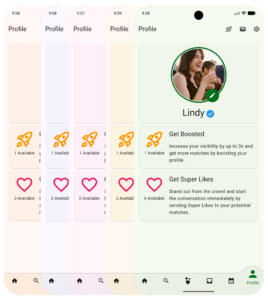
Theme Styling lets you:
- Choose a visual look for your Swept profile
- Express your personality with color
- Make your app experience feel intentional and unique
It’s designed for current Swept Dating users like you who want their experience to be more than text and photos. Now your personality shines through your dating app experience.
Step-by-Step: How to Use Theme Styling
1. Update Your Swept App
Start by updating to the latest version of Swept in the App Store or Google Play. The Theme Styling feature will appear once your app is up-to-date.
Tip: If you don’t see it right away, close and reopen the app.
2. Open Your Settings
- Tap the settings icon ⚙️
- Look for the Your Preferences section, and tap “Display, SMS, and Others”
- Tap the Theme Color to open the theme color picker.
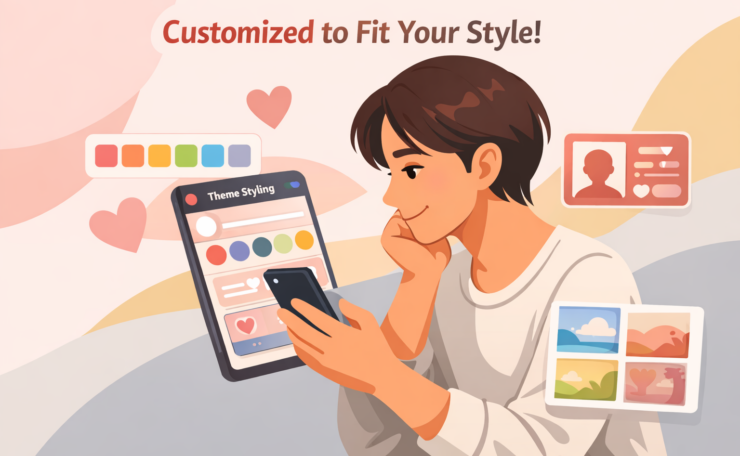
This might be labeled Customized to Fit Your Style — that’s the same feature.
3. Once you like a style:
- Tap back to Save your settings
- Your app theme updates instantly
You can always change it again later.
Common Questions
Can I change my theme anytime?
Yes! Go back into Edit Profile and update whenever you want.
Does this cost extra?
No. Theme Styling is included for all current Swept users.